Construction
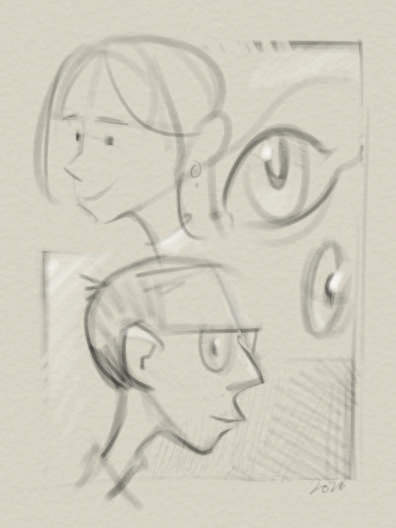
The Construction workspace is built for lay-in work. It starts with a single Lay-in tool preset and a four-colour palette of white, black, red, and blue, giving you enough structure to block in form. Pressure is set to control opacity, so you can build marks lightly and stay focused on shape.
The Wacom touch ring is fully supported: one clockwise swipe doubles the tool size, and one anticlockwise swipe halves it. The E key toggles to the eraser and back again, which makes it well worth assigning to a tablet button.
It is a sparse workspace by design, with very little between your hand and the form you are building. You are not sorting through tools or second-guessing choices. The Lay-in preset, the touch ring, and the eraser toggle are enough to construct quickly and stay focused. Press F11 to enter fullscreen mode. The interface disappears, leaving just you, the image, and the pen.