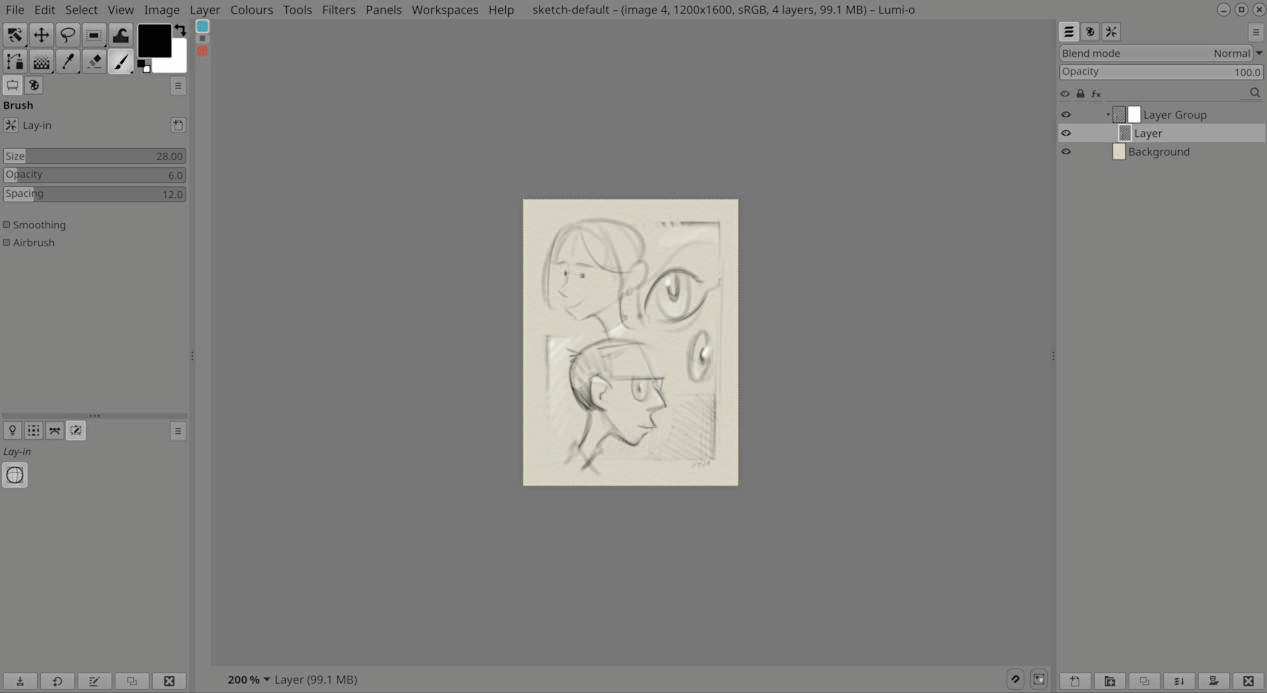
Workspace
Workspaces are a fundamental part of Lumi, available directly from the Workspaces menu. They switch quickly and smoothly, so moving from one stage of a project to another is like selecting an application mode.
The goal is not to force every control, panel, and resource into one universal space. Each workspace can be shaped for a specific job, with only the tools, plugins, palettes, and resource paths that are actually needed for that stage of work. If you are doing construction drawing, for example, a single tool preset may be enough, startup stays quick, and the interface remains simple because it is built for that task rather than for every possible task.
Lumi bundles three core workflow workspaces: Construction, Inking, and Coloring. These are intended as the main production spaces. It also bundles a number of alternative and themed layouts so users can see how flexible the workspace system is, experiment with different arrangements, and adapt the software to the way they prefer to work.