Brush Tool
The Brush tool is Lumi’s core painting instrument: a responsive, expressive way to draw, paint, shade, texture, and build marks directly on the canvas. It is designed to feel immediate while still giving artists room to shape how a stroke behaves.
Rather than being a single fixed brush, it acts as a painting system. Brush shape, texture, movement, pressure, timing, and colour can all contribute to the final mark, making it suitable for clean line work, soft painting, dry media effects, calligraphic strokes, scattered textures, and multi-headed brush formations.
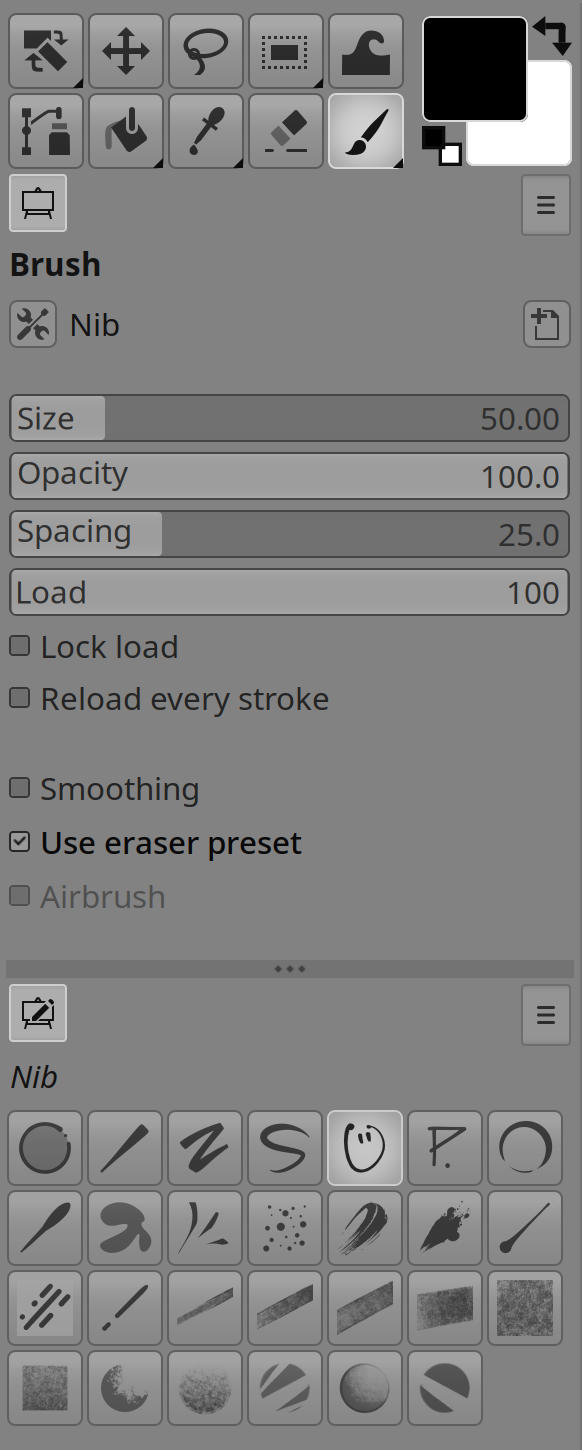
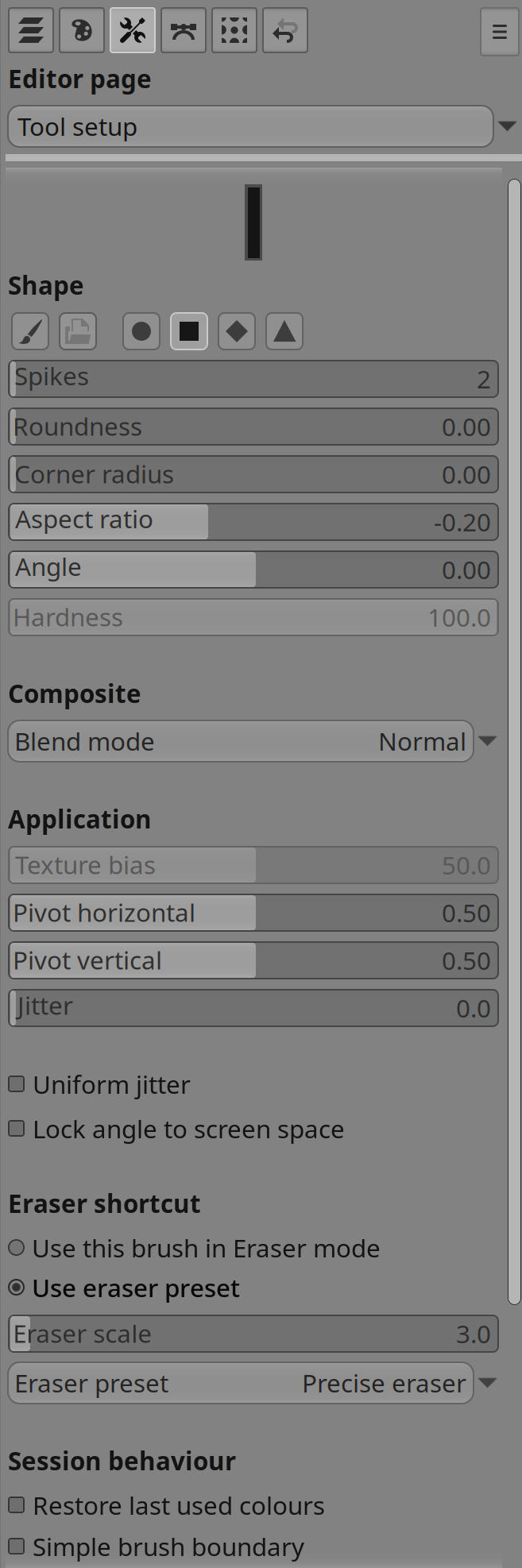
Expressive brush marks
Brushes can be based on bitmap stamps, procedural shapes, or frame-based animated sources. This allows a stroke to range from a simple soft round mark to a richly textured or evolving brush head. The same painting engine can support precise drawing, painterly buildup, decorative marks, and natural-media-style breakup.
When a brush becomes visually complex, the preview can remain simplified so painting stays responsive and easy to read.
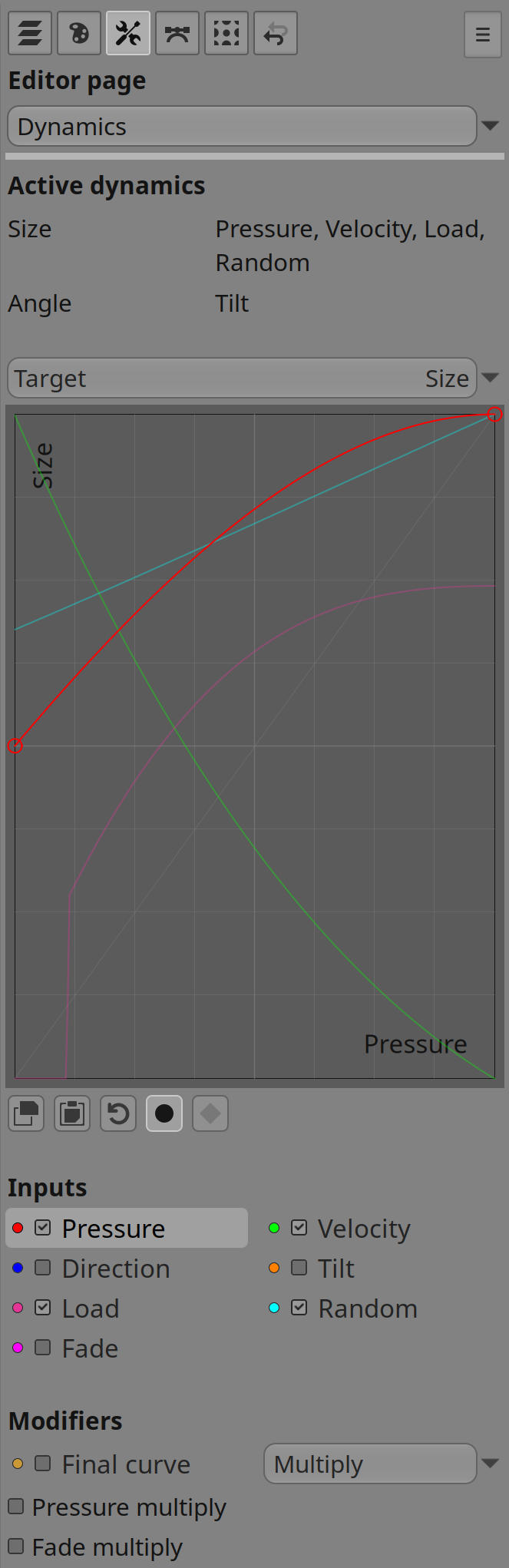
Dynamics and input response
The Brush tool responds to live input such as stylus pressure, speed, direction, tilt, and other controller values. These signals can influence the visible stroke in many ways: thickness, opacity, angle, texture response, colour behaviour, spacing, and other qualities can all change as the hand moves.
This makes the Brush feel less like a stamped pattern and more like a physical drawing instrument. A light touch can produce delicate marks, faster motion can open up texture or shape, and direction-sensitive behaviour can help strokes follow the gesture of the hand.
Stroke behaviour
Strokes can be direct and immediate, or they can be assisted by smoothing and stabilization. These features help reduce unwanted jitter, soften abrupt changes, and make longer movements feel more controlled without removing the character of the artist’s input.
The Brush also supports different approaches to paint buildup. It can behave like a continuous stroke, accumulate repeated dabs, or emit marks over time while the pointer is held in place. This flexibility makes it useful for both deliberate line work and slower tonal construction.
For calligraphic or ink-like marks, the Brush can generate a more continuous shaped stroke rather than relying only on repeated stamps. This produces flowing, ribbon-like forms that respond naturally to gesture and speed.
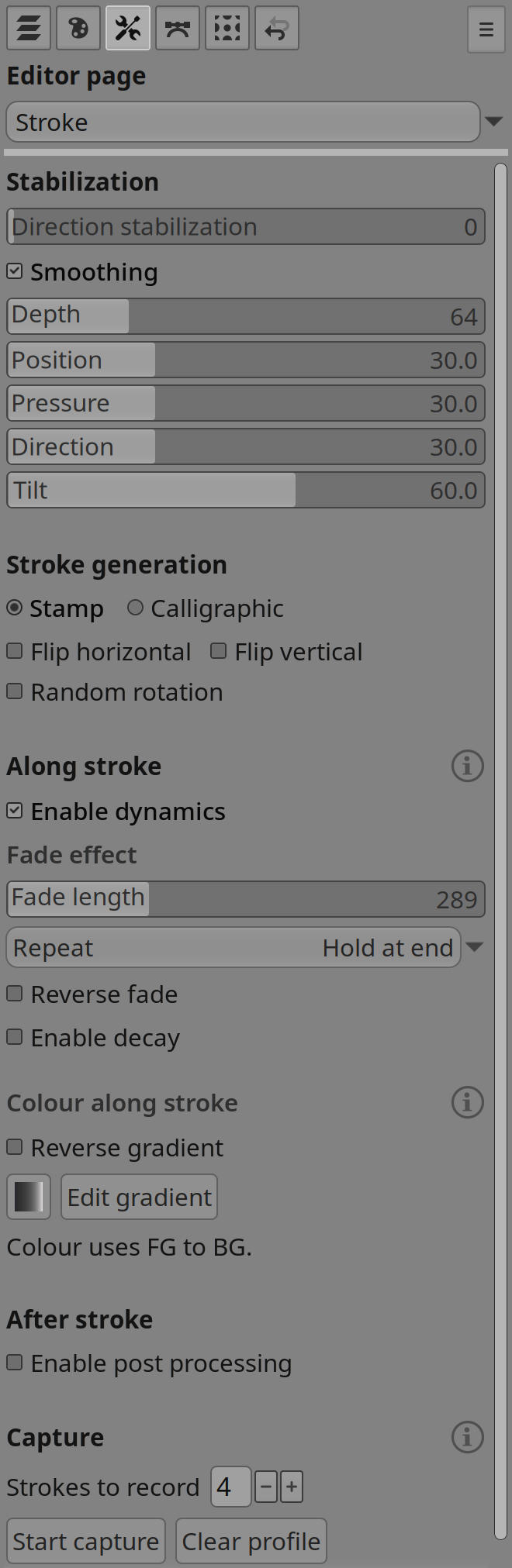
Stroke capture and simulated rendering
The Brush can capture a small sample of how a preset is normally drawn by hand, then use that profile when rendering strokes that are defined by geometry rather than live movement. Straight Shift-click lines, stroked paths, and stroked selections can all use the active tool preset’s captured pressure and velocity pattern instead of behaving like a flat mechanical line.
This keeps constructed strokes closer to the character of the brush. A line drawn from a path can start softly, build pressure, taper away, or vary speed response in the same broad way as the sampled hand stroke, while still following the exact shape of the path, selection edge, or straight-line gesture.
Post processing
The brush can record a stroke as you draw it, then replay that captured gesture once you lift off, refining the path before the final mark is laid down. You can sketch freely and still arrive at cleaner direction, sharper corners, or more deliberate structure without having to draw with mechanical precision.
This opens up hatching and ruled construction marks that snap to clean angles while keeping hand-drawn length and character, tilt-stable ribbon strokes, and corner-aware replay that treats bends and straight runs differently. Multi-head brushes can share a corrected path while each head keeps its own variation, and dynamics can still shape the stroke along its final curve during replay. Post processing applies to drawn strokes rather than continuous airbrush emission.
Colour and texture
Brush strokes can use the active paint colour, respond to gradients, or vary colour through dynamics. Texture handling lets a brush shift between solid coverage and broken, surface-skimming marks, which is useful for dry brush effects, grain, and expressive shading.
Because colour and texture can be part of the same dynamic system as shape and opacity, a single stroke can evolve as it moves across the canvas instead of remaining visually uniform.
Brush heads and formations
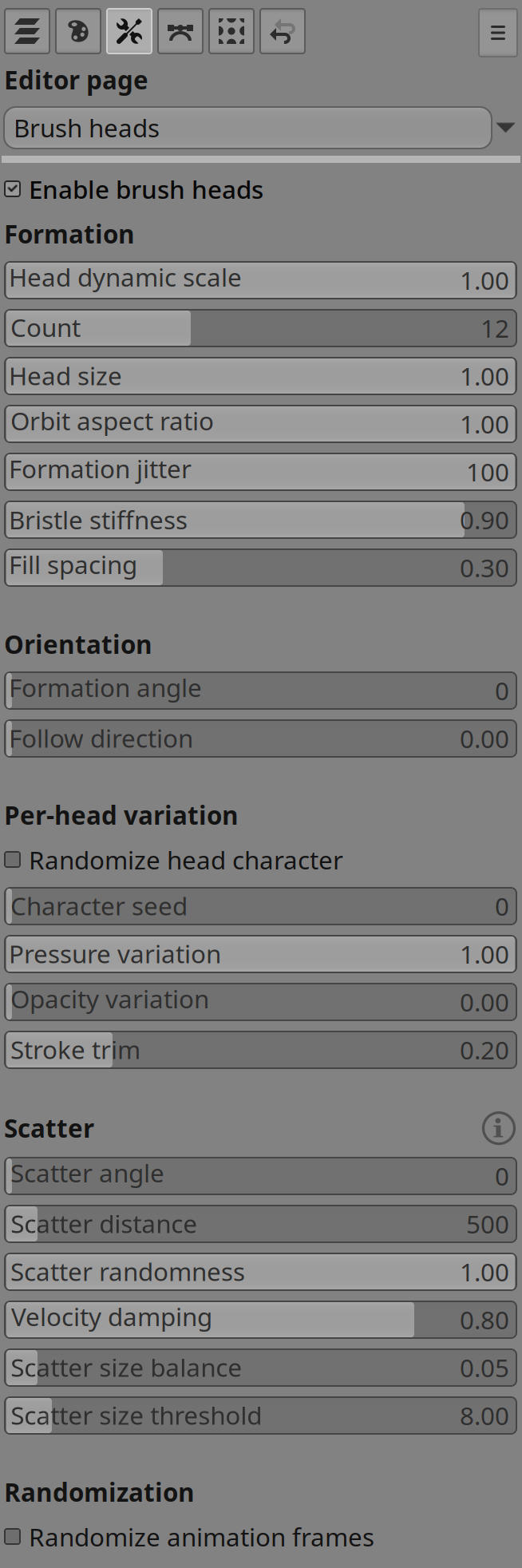
The Brush tool can paint with more than one head at a time. Multiple heads can be arranged around the stroke path to create nib marks, fanned strokes, bristle-like behaviour, spray patterns, textured formations or structured hatching.
These heads can follow the direction of travel, vary from one another, and scatter in ways that make the stroke feel organic rather than mechanically repeated. This is especially useful for natural media brushes, decorative strokes, foliage, fur, hatching, and other marks that benefit from controlled irregularity.
Brush load and paint pickup
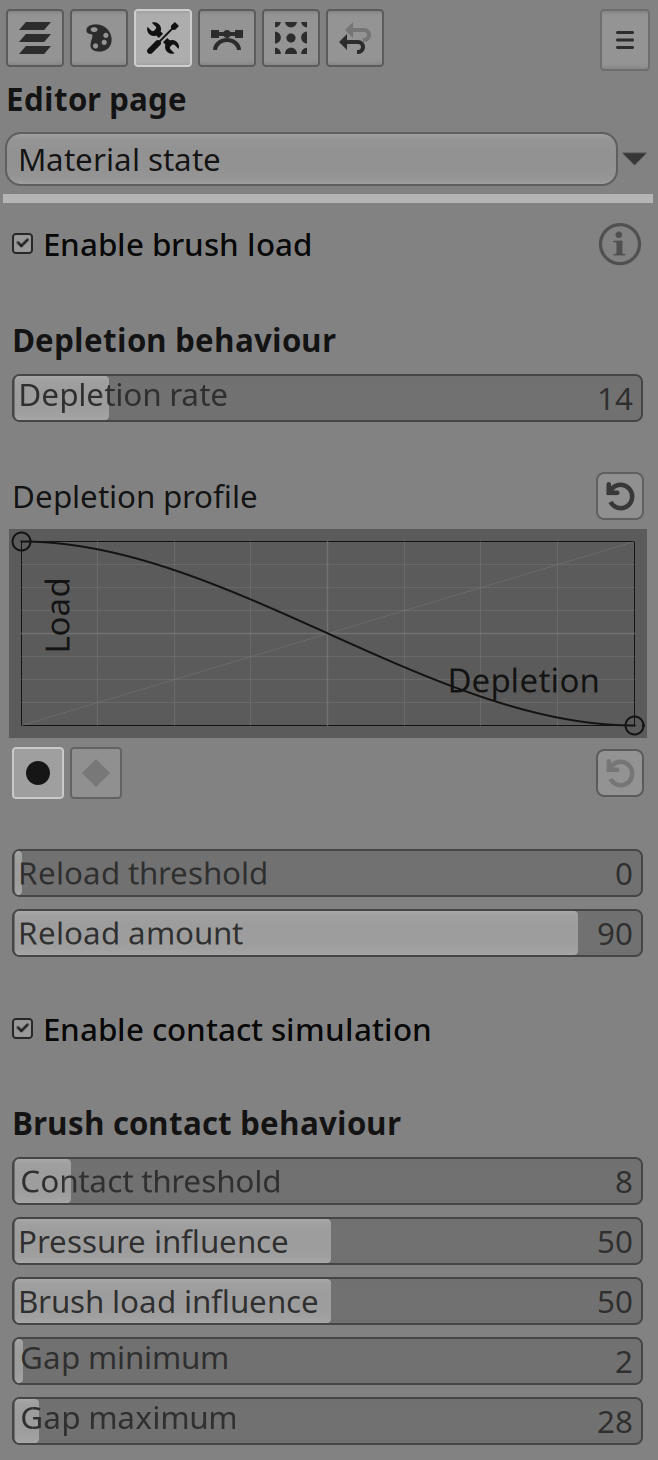
The Brush can also simulate how much paint or material is currently carried on the brush. As a stroke continues, that load can gradually run down, letting marks become lighter, drier, thinner, rougher, or otherwise more broken up depending on how the brush dynamics are set.
Load can be reintroduced between strokes, held at a chosen level, or used as a live control signal for other brush behaviours. This makes it possible to build brushes that feel more like real media: wet at the start of a stroke, progressively exhausted through distance, and then dipped again for the next pass.
Brush surface contact
The Brush can also simulate intermittent loss of contact with the painting surface — the broken marks that appear when a pencil, charcoal stick, dry brush, or partly exhausted marker only partly engages with the paper.
When contact simulation is enabled, the brush is either in contact or lifted. While in contact, marks deposit normally. While lifted, no material is deposited and the stroke leaves a gap whose length is chosen randomly between a minimum and maximum distance. The transition is binary: the effect does not change opacity, size, hardness, spacing, or flow — only whether paint is laid down.
How easily contact is lost is shaped by a contact threshold, stylus pressure, and optionally brush load. Higher threshold values make breaks more frequent. Pressure acts as a stabilising force: light pressure increases the chance of losing contact, while firm pressure makes the stroke more likely to stay down. When brush load is enabled, low load can make the mark more broken and high load can help maintain contact, similar to a tool that still carries enough material to grip the surface.
Loss is evaluated from stroke travel distance rather than dab count, so brushes with dense or sparse spacing behave consistently. The feature works with both stamp-based and calligraphic rendering, producing coherent gaps along the stroke rather than isolated skipped dabs.
Animation and variation
Animated brush sources can change frame as a stroke progresses, giving brushes a sense of movement and variety. Randomisation and per-stroke variation can keep repeated marks from looking identical, while stable seeding can preserve a consistent character when repeatability is needed.
These behaviours are useful for brushes that should feel alive: bristles shifting through a stroke, textured stamps changing subtly over time, or multi-head tools where each head has its own personality.
Artist-focused workflow
The Brush tool is organised so common painting decisions stay close at hand, while less frequent setup choices remain out of the way. The intent is to keep the tool approachable during painting while still supporting deep customisation for brush design.
Overall, the Brush is built to cover both everyday painting and specialised mark-making: quick sketching, polished illustration, textured rendering, expressive ink work, and complex procedural brush effects all share the same flexible foundation.